Laguna Food Delivered at Counter Prices
LaGOna Express keeps restaurant food at regular menu prices with no markup. You pay the menu price plus one delivery fee, then follow your rider on Google Maps until the knock at your gate.
For Android phones. Play Store not loading? Download the APK directly.
Find Out What Menu Markup Costs You
Enter the counter price of your usual order and how often you order. Set the markup your current app adds and see a full year in pesos.
Extra paid per order₱90
Extra paid per year₱8,640
Food markup on LaGOna₱0
LaGOna orders add one delivery fee on top of the menu price.
Food, Parcels and Essentials in One App
Pabili for food, Padala for parcels, Pasabay for errands. Three services sit inside one LaGOna app, so you stop juggling separate apps on one phone.
-
Meals from Laguna Restaurants
Browse menus from nearby stores and pay the price on their board.
-
Last-Minute Parcels
Get the parcel that can't wait moving across Laguna with the same riders who bring your food.
-
Everyday Essentials
Local shops on the app carry daily needs too.
Watch Your Rider Come to You
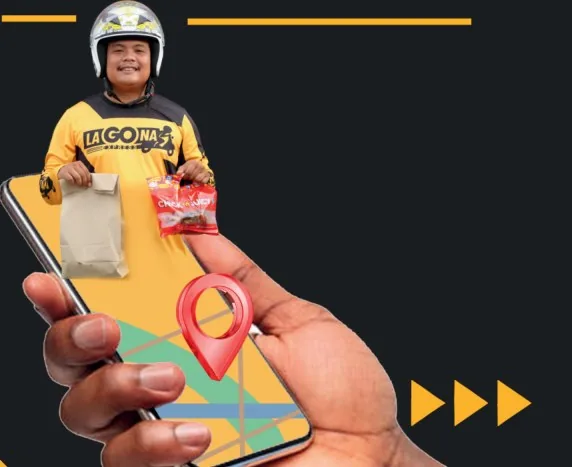
The LaGOna Express app is built around live visibility, from checkout to the moment you open the gate.
-
Live Location and ETA
See your rider's position and arrival time on Google Maps, updated as the motorcycle moves.
-
Updates at Every Step
Push notifications tell you each time your order moves.
-
Saved Addresses
Drop your home or office pin once. Next checkout skips the typing.
-
Photo Upload
Attach photos for receipts, proofs or order details whenever something needs showing.
₱150 on the Board Means ₱150 in the App
Restaurants on LaGOna pay 0% commission on food, which lets them keep regular menu prices in the app. The only extra on your order is the delivery fee.
Your First Order in Five Steps
Setup happens once. After that, ordering comes down to browse, tap and track.
-
Download the App
Install LaGOna Express from Google Play on your Android phone.
-
Register and Verify
Sign up with your email, then tap the confirmation link LaGOna sends you.
-
Set Your Address
Update your profile and drop your delivery pin on the map so the rider finds your gate.
-
Pick a Restaurant
Browse nearby Laguna stores and fill your cart at their menu prices.
-
Check Out and Track
Place the order and follow your rider live.
Checked Before You Install
Know who builds the app and how it handles your data before you tap install. Everything here is public on Google Play.
App DetailsLaGOna Express
- PublisherZetaSoft IT Solutions
- Last updatedAugust 19, 2026
- Data shared with third partiesNone declared
- Data in transitEncrypted
- Data deletionAvailable on request
Before Your First Order
Are Prices Really the Same as the Restaurant?
Yes. Food on LaGOna Express is listed at regular menu prices with no markup, so a ₱150 meal at the counter is ₱150 in the app.
What Do I Pay on Top of the Food?
Only the delivery fee.
How Do I Pay for My Order?
Food payments go directly to the restaurant's GCash or Maya account.
Can LaGOna Deliver Parcels Too?
Yes. The same rider network handles last-minute parcels and everyday essentials alongside food orders.
Where Do You Deliver?
Across Laguna, Philippines. The LaGOna network covers 30 towns in the region.
Google Play Won't Install the App. What Now?
Use the direct APK download. Android may ask you to allow installs from your browser for that one file.
How Do I Reach LaGOna?
Email zetasoft.ph@gmail.com with your order details and the time the issue happened, and attach a screenshot if you have one.
Hungry? GO mo na yan!
Install LaGOna Express, pick a Laguna restaurant and pay the price on its menu board. Your rider shows up on the map the moment the order moves.
Available on Google Play for Android phones.
One Network, Three Doors
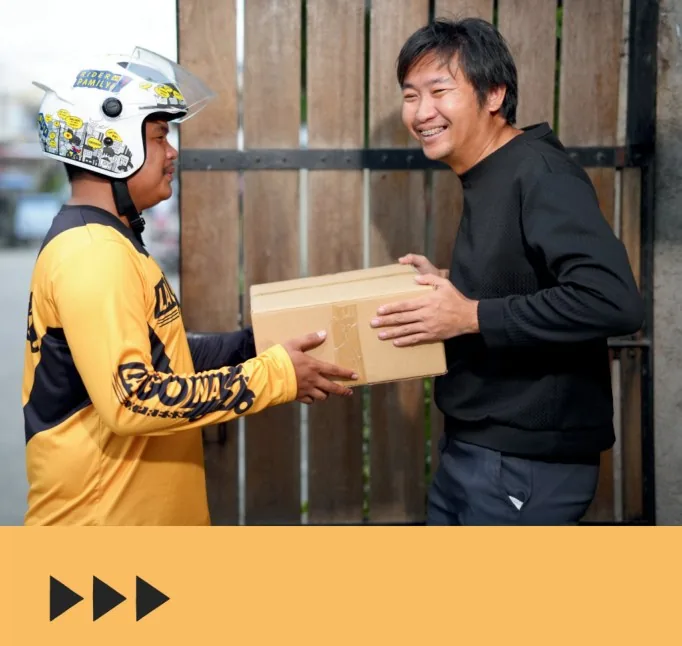
Ordering is one of three ways to GO. LaGOna also has room for your store or your motorcycle.